

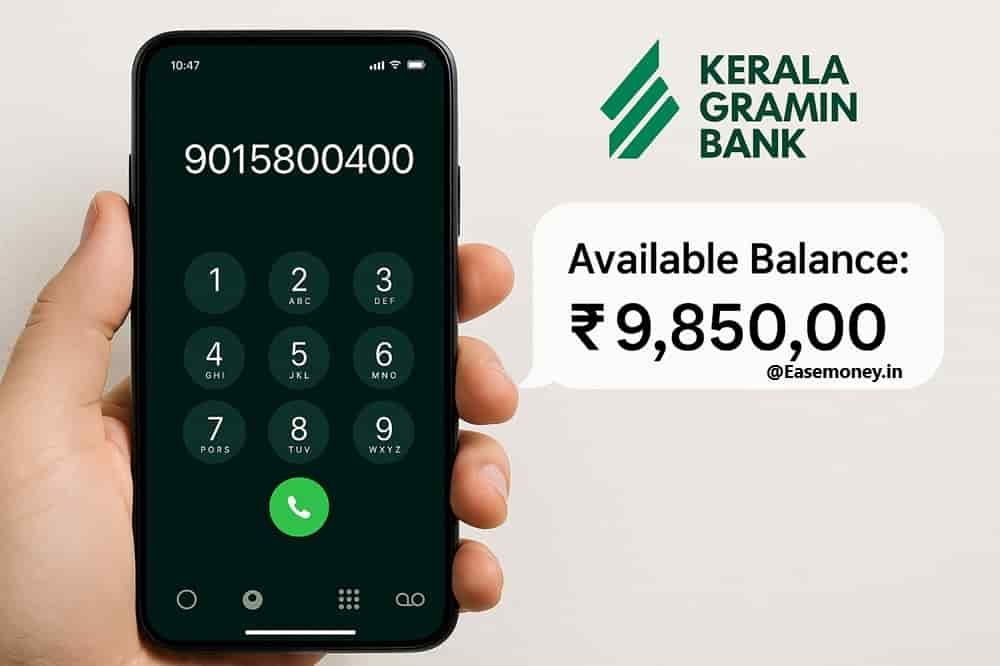
Kerala Grameena Bank makes balance checking simple through its missed call banking service. Customers can instantly receive balance details through SMS without internet banking or mobile apps.
| Service | Details |
|---|---|
| Missed Call Number | 9015800400 |
| How to Use | Dial the number using your registered mobile number |
| What Happens | The call disconnects automatically after a few rings |
| Balance Result | SMS received with account balance and last 4 account digits |
| Multiple Accounts | If multiple accounts are linked, balances may appear together in one SMS |
💡 Quick WhatsApp Banking Tip: Send “HI” to 8886646364 on WhatsApp and choose the balance enquiry option from the menu.
This is one of the fastest ways to check Kerala Grameena Bank account balance directly from your phone.
📌 Important: The missed call service works only for savings and current accounts linked with a registered mobile number.
⚠️ Service Not Working? Try again later, contact customercare.kgb@keralagbank.com or visit your branch to update your registered mobile number.
Next: Explore KGB mobile banking, WhatsApp banking, ATM, and passbook balance enquiry methods below.
1. Through the Paytm App
Nowadays, every smartphone has these UPI Apps, any app – BHIM UPI, Google Pay, phonepe or Paytm. Also, as per the reports, the Kerala Gramin Bank is officially a live UPI Partner of the NPCI banking list. So, follow the process to enquire –
- Open the Paytm app on your phone.
- Tap on your profile image (top left).
- Go to UPI & Payment Settings.
- Tap “Add New Bank Account”.
- Search or scroll for “Kerala Gramin Bank.”
- Enter your debit card number, expiry date, CVV, and 4-digit ATM PIN.
- Enter the OTP sent to your phone and set your UPI PIN.
- Now go back to the Paytm home screen, tap “Check Balance” under UPI, choose your KGB account, enter your UPI PIN—done!
Tips & Notes:
- Make sure your SIM card is in SIM slot 1.
- Always keep your UPI PIN private, even do not share it with banking staff and family.
- Works 24×7—even on holidays.
What Digital Options Does Kerala Grameena Bank Offer?
1. Check via KGB INFI App
Earlier, Kerala Gramin Bank offered KGB mPAY and the little KGB app. These have now been discontinued at the end of 2024. In their place, the bank has officially launched the new KGB INFI app in their next phase of digital products. Follow the process to view your balance easily, just using a 6-digit mpin whenever you want –
Steps to register on KGB INFI:
- Firstly, please download this new KGB INFI from the Play Store or App Store.
- Accept terms and select “Let’s Go” on the welcome screen to join the app.
- Now, tap Register, then tap Send SMS to verify your mobile number.
- Enter the OTP received on your bank-linked mobile no.
- Set a 6-digit passcode for login.
- Log in and tap “Activate Mobile Banking”.
- Enter your debit card number, expiry, CVV or use branch code/token (visit your branch, ask for activation code to register).
- Set your 6-digit MPIN and then set fingerprint or face unlock to log in easily.
- On the homepage, tap the eye icon to see your balance.
Requirements:
- Your mobile number should be registered.
- You must have an active debit card. If not available or stolen, apply new one or visit your branch and ask for generate token register for mobile banking.
- It works with fingerprint or face unlock for faster access and checking the balance daily.
2. Check via DIGI KGB App
This is another official app by Kerala Gramin Bank. DiGi KGB is a lightweight and simple app for opening accounts and viewing balances.
What makes it special?
- You can open a selfie savings account directly from the app.
- It also works as an m-passbook for real-time account info.
Steps to use:
- Download the DIGI KGB app from the Play Store.
- Open it and enter your mobile number.
- Tap “Already Have Account”.
- Enter your full account number.
- Enter OTP, then set a 4-digit MPIN.
- Log in and tap Balance Enquiry or Mini Statement.
Easy for people who don’t want a complex setup or don’t use UPI.
How to Get Bank Balance Without Mobile Number Link?
1. Visit Your ATM
- Insert your KGB RuPay Contactless debit card.
- Select any language you like (English, Tamil, Telugu, Hindi)
- Enter your ATM PIN.
- Select your account type.
- Enter any random code (optional)
- Choose “Balance Inquiry.”
- View it on screen or print the receipt.
2. At the Branch:
- Visit your nearest Kerala Gramin Bank branch with your passbook.
- Ask the bank staff for a balance enquiry at the counter.
- If the counter service is busy, use the passbook update machine available in the branch.
- After updating the passbook, your latest account balance will be printed automatically.
What If You Still Face Issues?
Don’t worry—KGB has multiple Customer support options:
- Customer Care Number: Toll-free 1800-425-4000
- Alternate Phone to try: 0497-2717800
- Email: customercare.kgb@keralagbank.com
Frequently Asked Questions
I gave a missed call to 9015800400 but didn’t get an SMS. What should I do?
It happens due to multiple reasons, such as your mobile number is not properly linked with your account or your SMS alert facility is not activated till now, simply visit a branch or email them directly.
What is the difference between KGB INFI and DIGI KGB app?
KGB INFI is full mobile banking, while DIGI KGB is lighter. DIGI suits users who only need balance and mini statement. Real usage shows DIGI works well on low-end phones.
Will balances from DBT or subsidies show immediately in KGB?
Mostly yes. UPI and missed call reflect DBT credits first. Minor delays occur during NPCI settlement windows, not due to bank issues. Branch systems update the same business day.
Which customer support option works best for balance-related issues?
Branch visit resolves issues fastest. Helpline 1800-425-4000 works during office hours. WhatsApp complaints via 8886646364 help, but mobile-linking problems still require branch verification.
I didn’t receive SMS after missed call. What usually causes this?
In most branch cases, SMS alerts are inactive or mobile number mismatch exists. Visit branch once to update details. Fact: reactivation usually completes within one working day.
Hope you liked the content. Explore smart options below 👇
🔥 Recommended