SBI Card is not a normal government bank branch. It is a separate company called SBI Card & Payment Services Ltd., working as an NBFC (Non-Banking Financial Company). However, SBI Bank holds 68.63% stake as of 2025. That’s why their system is mostly digital in 2026 — you can place a closure request directly from the SBI Card mobile app, net-banking login, customer care, or even email support.
You can read the RBI FAQ here:
RBI Credit Card Closure Guidelines (Official)
Closure vs. Blocking
SBI credit card closure simply means you are permanently ending your credit card account. After closure, the card cannot be used again and the credit facility linked to it stops completely.
Do not confuse this with blocking. Blocking is only a temporary safety step (for lost card or fraud). Closure is the final termination of the account – your limit will be gone forever.
Also, Card blocking also work same SBI Card.
| Point | Block (Temporary Block) | Cancel / Closure (Permanent) |
|---|---|---|
| Meaning | Card is temporarily stopped for security | Card account permanently terminated |
| Main Purpose | Lost card, suspicious transaction, safety | You no longer want the card or credit facility |
| Account Status | Account still active in system | Account completely closed |
| Can you use again? | Yes, bank can unblock or reissue card | No, must apply for a new card again |
| Bills & EMI | Continue normally, payments still required | After zero dues, future charges stop |
| Credit Limit | Limit still counted in your profile | Limit removed from your credit profile |
| CIBIL Impact | Usually no impact | Status becomes “Closed” after ~30–45 days |
| When to choose | Temporary problem or fraud concern | Final decision to end relationship |
In 2026, the SBI credit card closure is quite flexible. You are not limited to branch visits — the card can be closed through multiple online and offline methods. Here we will explain the top four working options most customers actually use.
1 Option: How to Close Online via the SBI Card App
You can close an SBI credit card directly from the app itself. Unlike many banks, SBI actually gives a proper closure button inside the mobile application. the process is simple and free of charges, follow it –
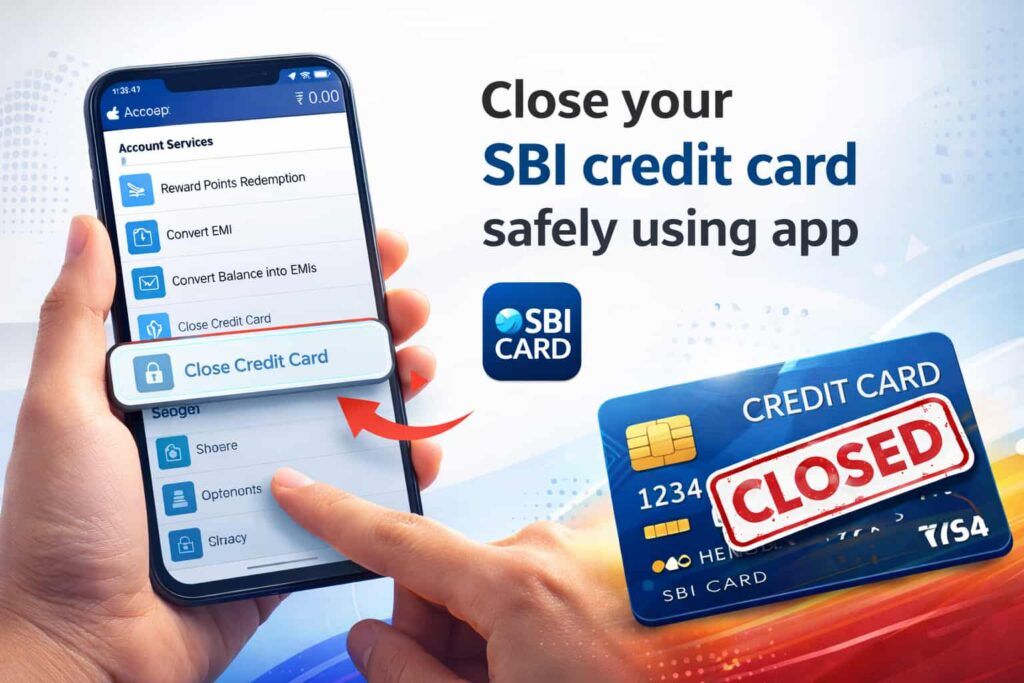
Step 1 — Open the app
Open the SBI Card app and log in using your 4-digit MPIN or fingerprint. If you are opening first time, enter your card number, create a password and MPIN, then log in.
Step 2 — Go to Services
After logging in, look at the bottom menu (home taskbar). Tap “Services.”
Step 3 — Find a closure option
Scroll down → go to “Others” section → tap “Card Closure Request.”
Step 4 — Select your card
If you have multiple cards, simply choose the card number you want to close.
Step 5 — Choose reason
Now, SBI will ask the reason. Options usually show:
- Low credit limit (the bank may offer a limit increase; you can choose it or Skip It)
- Too many credit cards
- Financial issues (they may offer EMI or a payment plan)
- Fees/charges issue (sometimes a waiver is offered)
- Service-related issue
- Low card usage
- Other
Select any suitable option and continue.
Step 6 — Check outstanding
If your outstanding is zero, tap Continue. If dues are pending, the app will first ask you to clear payment.
Step 7 — Retention offers
Before closure, the bank may show alternatives like:
- due date change
- fee reversal
- payment plan
- Card upgrade or downgrade
If your decision is final, you can simply skip these.
Step 8 — OTP confirmation
You will receive a mobile OTP. Enter it to confirm the closure request. This is an important part; without OTP, your consent will fail.
Step 9 — Call scheduling (optional)
The app may ask to schedule a confirmation call. If you want to make any request, you can schedule it, OR Just skip it and proceed.
Step 10 — Service request number
Finally, SBI generates a token OR Service Request number and shows the expected closure time. Now, Save or screenshot this — it is your proof of request. You will also get an SMS and an email on your phone.
Simple understanding: SBI makes its app-based, so no need to call customer care. Once a request is raised, and the dues are zero, the card moves into the closure process.
2 Option: SBI Card Official Website Netbanking (Browser Method)
This method is useful if you don’t want to install the mobile app. You can close the card directly from any phone browser or computer. No branch visit, no waiting on call — just internet needed.
- 1 Step — Open the website = Go to: https://www.sbicard.com/creditcards/app/user/login. You can open it in Chrome or any browser, mobile also works fine.
- 2 Step — Login OR first-time setup = Enter your credit card number. If you are opening first time, the site will ask for your card PIN to create a password. After that, you can log in normally anytime. Unlike the app, here you don’t need MPIN.
- 3 Step — Find services option = After login, you will see a left-side menu. Tap “Services.” Many users miss it because they keep checking the dashboard, but the closure option is inside services only.
- 4 Step — Choose card closure = Inside services, you will see “Card Closure.” Open it.
- 5 Step — Select card and reason = Select the card you want to close and choose a reason. You can keep it simple — low usage, too many cards, or not required.
- 6 Step — Submit request = Confirm the request. The system immediately generates a service request (token) number.
3 Option: Cancellation by SBI Email Support
You can also close the SBI card through email. It works properly, but a little slower than online or customer care because first they verify identity, then they process closure.
SBI Official Email ID: customercare@sbicard.com
- 1 Step — Send the mail = From your registered email ID, send a simple mail to the above address. Just write clearly: “I want to permanently close my SBI credit card.” Add around 100 words; no long explanation needed.
- 2 Step — Add your details = In the same mail, mention:
- Your full name
- registered mobile number
- last 4 digits of the card
- reason (you can write low usage or not required)
- 3 Step — Attach ID proof = Attach your PAN card photo or PDF. If you don’t attach, they usually reply back asking for it, and the process gets delayed.
- 4 Step — Wait for reply = Within about 24 hours, they normally send an acknowledgement and generate a ticket/service request number.
- 5 Step — Verification = Bank may call you or reply via email asking for confirmation. Just confirm you want permanent closure — nothing complicated.
- 6 Step — Clear pending dues (if any) = If the system shows any outstanding, they will tell you. You can pay it and reply on the same email thread that payment is done.
- 7 Step — Closure & confirmation = After verification, they start closure processing. You receive a tracking number through email/SMS, and once CIBIL updates, the bank usually shares a closure confirmation (NOC) for your record.
4 Option: How to Place a Closure Request by an SBI Customer Care Call
SBI Credit Card Customer Care Numbers
- 1860 500 1290
- 1860 180 1290
- 39 02 02 02 (add your local STD code before dialing)
- 1800 180 1290 (Toll-Free)
- First of all, call customer care from your registered mobile number only. You can use another phone, but verification usually fails.
- After the call connects, choose a language — Hindi, press 1, English, press 2, whichever is comfortable for you.
- Press 1 for the card details option.
- System asks DOB — enter only your birth year (YYYY) like 1999 or 2001, nothing else.
- Press 2 to continue and wait patiently. Don’t cut the call; options come after a short pause.
- After IVR moves ahead, press 9 to connect with the card/closure team.
- Executive comes on line — you can simply say you want to permanently close the card and give a basic reason (low usage/not required).
- If any bill or fee is pending, first clear payment. Without a zero balance, they won’t close it.
- After verification, they generate a Service Request (SR) number.
Keep that number safe — if any issue happens later, this is your proof until the card shows closed.
Critical Things to Do Before Closing Your SBI Card (Top 7 to Do list)
Before you actually cancel the card, just check these once. Many problems people face after closure happen because one small thing was missed.
- Clear full outstanding — pay every rupee, not only the billed amount. Sometimes recent swipe or EMI interest is still unbilled, but system still considers it pending.
- Redeem reward points — after closure points are gone permanently. You can convert to voucher or statement credit first, otherwise value is wasted.
- Shift auto-payments — if Netflix, electricity bill, insurance, or subscriptions are linked, move them to another card or UPI. Otherwise payment fails and penalty may come.
- Download old statements — after closure you can’t open past records in the app. Better download last 6–12 months now for tax or future proof.
- Check credit balance — if you accidentally paid extra and card shows negative balance, ask customer care to refund to bank account (NEFT) before closing.
- Think about CIBIL impact — closing a high-limit or your only card increases utilization ratio. Your credit score may drop a little, so plan accordingly.
- Destroy the card after confirmation — once you receive closure SMS/email, cut the card diagonally through chip and magnetic strip so nobody can misuse it later.
Simple idea: closure is easy, but doing these small steps first saves follow-up calls and avoids credit score issues.
If this is your oldest credit card, keeping it helps your credit history age and supports your CIBIL score over time.
No yearly charge means no loss in keeping it inactive. It quietly maintains your total credit limit.
Closing it reduces total limit and utilization ratio may look high if you spend on other cards.
If you are paying fees but not using benefits, the card is costing more than it gives.
If credit limit is pushing you into unnecessary spending or debt, closure is safer.
If charges, service, or interest rate feel unfair compared to other cards, closing is reasonable.
Managing 4–5 cards becomes confusing — billing dates, payments, and tracking all get difficult.
FAQs
Can I terminate my credit card online?
Yes, SBI allows online closure. Login at sbicard.com or use mobile app → Services → Card Closure. Select card, choose reason, confirm OTP. System generates service request number immediately.
How do I close my SBI credit card account without calling?
Use website login or email method. Send mail from registered email with last four digits, mobile number, and PAN proof. Bank verifies and raises closure ticket without phone conversation.
Is SMS enough to close SBI credit card?
No. SMS only blocks card. Send “BLOCK XXXX” to 5676791 (last 4 digits) to stop usage instantly. For permanent closure, you must call customer care or submit online request.
What is SBI credit card customer care number for closure?
You can call 39-02-02-02 (add STD code) or 1860-180-1290. Choose language, enter birth year verification, then connect to executive. They register closure request and provide SR number as proof.
Will closing SBI credit card affect my CIBIL score?
Sometimes yes. If it is your only or oldest card, score may drop around 20–40 points because total credit limit and history age reduce. Multiple cards usually minimize impact.
How long does SBI card closure and CIBIL update take?
Bank normally closes card within 7 working days after zero balance. Credit report does not update instantly; CIBIL status typically shows “Closed” after about 30 to 45 days.