


EXC PYMT DUP simply means Duplicate Excess Payment. DUP stands for Duplicate Entry. It usually appears when you make multiple payments for your credit cards, loan accounts, or sometimes any ongoing services on your savings account. Likewise, this occurs when your bank payment system detects an extra amount than your bill or the same payment is made twice.
It mostly happens that if you hold a credit card with HDFC Bank, or even other private banks like ICICI, Axis, or Kotak, you may have noticed unknown entries on your bank statement, such as:
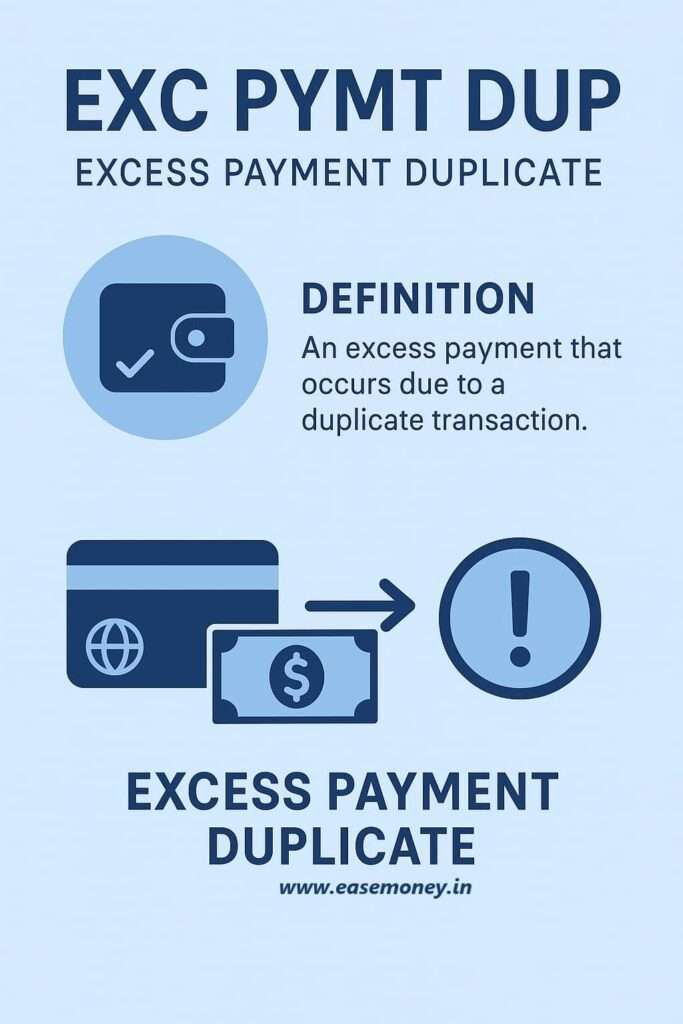
- EXC PAYMENT DUP – [XXXX 0421]
- EXC PYMT TRS – [XXXX 0333]
However, these are not penalties or hidden fees. They are system codes that banks use internally for dividing payment types.
Rather than silently adjusting it, it banks record it in your statement so you can trace what happened and what to do if any action is required.
But it is a general notification, a system-generated marker telling you: “We received extra money that doesn’t need to stay here. We’re sending it back or adjusting it.” In most cases, No action required. It will refund within 3 working days.
How Does It Work in Practice?
Let’s take a real scenario.
- Your HDFC credit card bill is ₹15,000 due on 11th September.
- On the 11th, you pay ₹15,000 manually through UPI.
- On the 12th morning, your auto-pay also deducts ₹15,000.
- Now, your card account has ₹30,000 credited, while only ₹15,000 was due.
What happens next?
- The card system marks the second payment as EXC PYMT DUP.
- Within a few days, the extra money is credited back to your savings account or adjusted in your card’s available limit.
- Your outstanding remains cleared, and you don’t lose money.
Why Do Banks Show Duplicate Excess Amounts?
It’s usually for transparent banking and customer knowledge. Here are the most common triggers:
- Auto-pay and manual overlap – Suppose Your Bank offers you a credit card or a pre-approved loan on your savings account, they usually enable auto-pay, so if you made a manual payment but the system sets it for Auto-pay, it overlap.
- Retrying failed payments – Sometimes, when you do UPI payments, in case it count as pending or show as failed, but these attempts go through later. If you pay again in the meantime, the system receives two credits.
- Paying higher than outstanding – Let’s say your Axis Bank card EMI amount is ₹18,000, but you mistakenly pay ₹30,000. The additional ₹12,000 isn’t needed, so the system shows it as excess.
- Inactive or closed card accounts – Sometimes an old, inactive credit card, such as an HDFC or Axis RuPay, may still have a leftover excess balance from years ago. When the bank negotiates, it creates an entry like EXC PYMT TRS to move the funds out.
- Technical or Gateway Errors – Rarely, sometimes your banking system goes into a glitch or a payment gateway, such as RazorPay, Payme, may cause a single transaction to be posted more than once. These cases are flagged as “duplicate” and then reversed.
Where Does EXC PYMT DUP Appear in HDFC?
You may notice this code in:
- HDFC Credit Card Statements – when overpaying bills or paying via multiple methods.
- HDFC Savings Account Statement – when the bank credits back a duplicate payment.
- Loan Accounts Linked to Credit Cards – such as Insta Loan or Insta Jumbo Loan, where duplicate payments are refunded directly to the savings account.
Note: This code does not work only in HDFC, but in some private banks like KOTAK, ICICI, AXIS, you may find the same code or a similar code.
Who is Affected?
- Credit Card Customers – if you have any active EMI on a credit card or payment that you pay both manually and via auto-pay.
- Loan Borrowers (Insta Loan, Jumbo Loan) – where overpayments are flagged.
- UPI/NetBanking Users – especially if they retry payments.
- First-time users who are not aware that making payments before the auto-debit date may cause duplication.
What Should You Do If You Find Money Dedicated?
- Verify your transactions – Check if you really made two payments or overpaid. Look at:
- UPI apps
- NetBanking history
- Debit SMS/Email alerts
- Wait for Auto-Reversal – if your money is deducted, wait for 2-3 working days.
- Contact Bank – You can call your Bank and ask why it is showing to me and how it works. If any amount is deducted, you can request a query and ask for a refund, which usually takes 7 working days.
Q/A
What is EXC PYMT TRS?
After DUP, TRS also work similarly, which means Transfer or Adjustment. You may see this code, which tells you the excess money flagged earlier has now been moved, refunded, or adjusted.
Is EXC PYMT DUP a bank penalty or a hidden charge?
No. EXC PYMT DUP means Duplicate Excess Payment, not a fine. It appears when the bank receives more money than required, usually due to a double payment. The extra amount is refunded or adjusted automatically.
Why does EXC PYMT DUP mostly appear in credit card statements?
Credit cards allow auto-debit + manual payments. If both trigger, systems of banks like HDFC Bank flag the second credit as excess to avoid mis-posting and billing confusion.
How long does it take for excess payment to be reversed?
In most cases, reversal happens within 2–3 working days. If the adjustment is manual or account-linked, it may take up to 7 working days. Tip: save the reference number before contacting support.
Can EXC PYMT DUP appear even if I paid intentionally more?
Yes. If your due is ₹18,000 and you pay ₹30,000, the extra ₹12,000 is marked as excess. Some banks auto-adjust it; others refund it to your linked savings account.
What is the difference between EXC PYMT DUP and EXC PYMT TRS?
DUP flags the extra money. TRS confirms the action—refund or adjustment. Think of DUP as “detected” and TRS as “resolved.” Both together mean your money is safe.
Should I raise a complaint immediately after seeing EXC PYMT DUP?
Usually no. Wait 72 hours first. If money isn’t adjusted after 7 working days, then raise a request via customer care or app—especially common with EMI-linked cards.
Which customers face EXC PYMT DUP most often?
Users with auto-pay enabled, EMI cards, or frequent UPI retries—especially in banks like Kotak Mahindra Bank. Tip: avoid manual payment one day before auto-debit date.
Hope you liked the content. Explore smart options below 👇
